Mission steps
-
Finish the appointment
Find Lucia at the bank and follow the conversation from account setup to the manager.
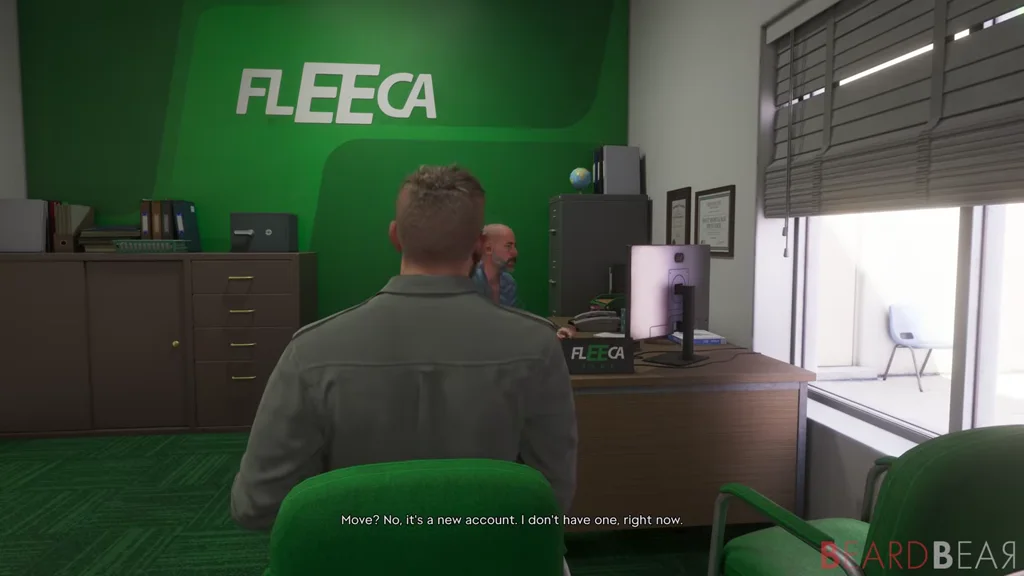
The Fleeca desk is where Jason checks in for the account appointment. BeardBear · -
Open BuckMe
Use the app once the account is created. Complete the transfer prompt in Family Savings when it appears.
Route details
Find the $100 and make the transfer
At Fleeca, the teller sends you to the manager at the table in the right corner. Follow him into his office to finish the application scene. The BuckMe welcome deposit appears when you are back at home. Open the purple B app, enter Checking Account and choose Buck Yourself to move the $100 into Family Savings when the tutorial requests it.
How BuckMe balances affect later purchases
Money placed into Family Savings stays there. Savings milestones raise the checking limit and can unlock purchase perks. Use an ATM to move cash into checking if you want to keep it off Jason. For a large purchase, check the available checking balance. The ATM Finder in BuckMe can put a destination directly on the map.