Mission steps
-
Report to Omar
Enter the lot and follow him from the office to the baggage area.
-
Work the baggage route
Couple the carts to the tug, drive to the jet and move the bag to the loading area when asked.
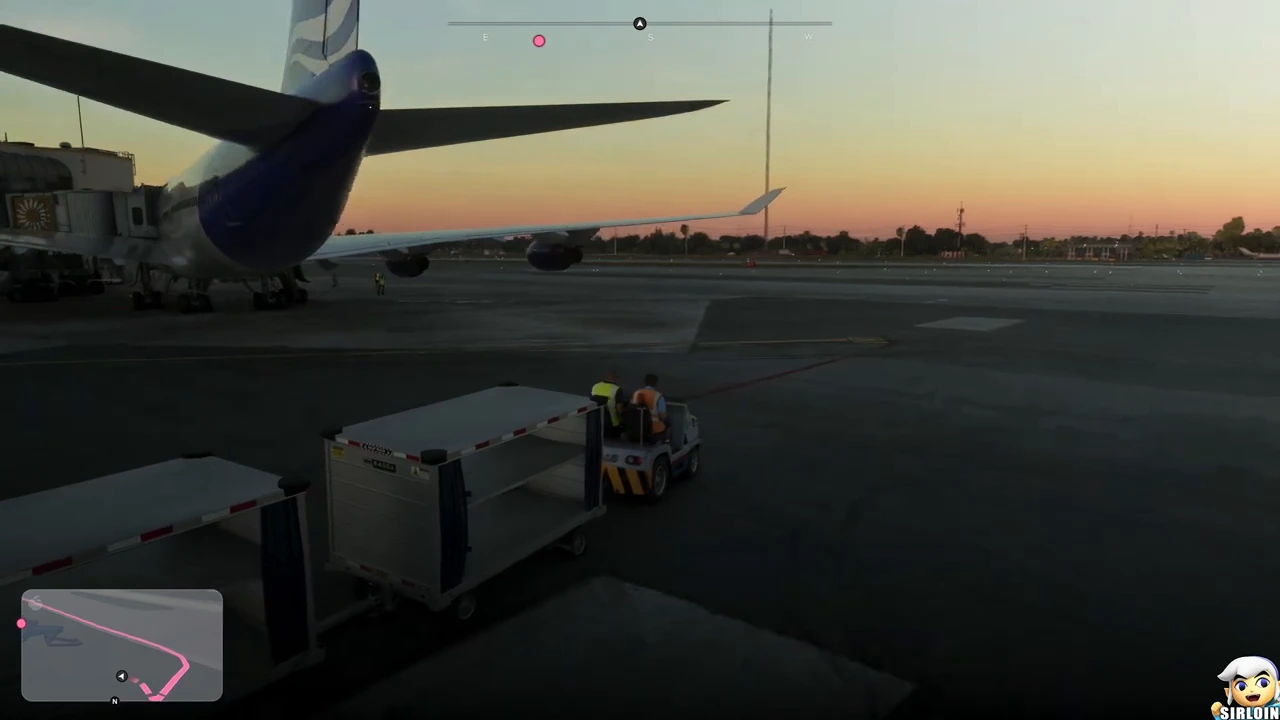
Too Much Baggage. Follow the apron route after attaching the luggage carts. Sirloin · -
Go to security
After baggage handling, use the security-office route and go into the marked restroom.
-
Place the device and return
Finish the placement prompt, then go back to Omar and speak to him.
Route details
Use Omar’s tour to finish the airport scan
Park at the airport office, meet Andrea and ride in Omar’s truck. Look around in first person and keep each point of interest in view until its box turns from white to green. Reverse the baggage tug into the two trailers one at a time to attach them. Drive southeast toward the plane using the apron route.
Baggage power bar and blue office door
When throwing a bag to Omar, release just before the power meter reaches halfway. It continues a little after release. Later, leave the bay, follow the wall south and use the last double doors on the left. Stay along the left hallway wall until the blue office door on the right. Finish the device and restroom prompts, then complete the conversation with Omar.