Mission steps
-
Enter through the cargo route
Follow Nate to the terminal and follow the current character’s contact as the objective changes.
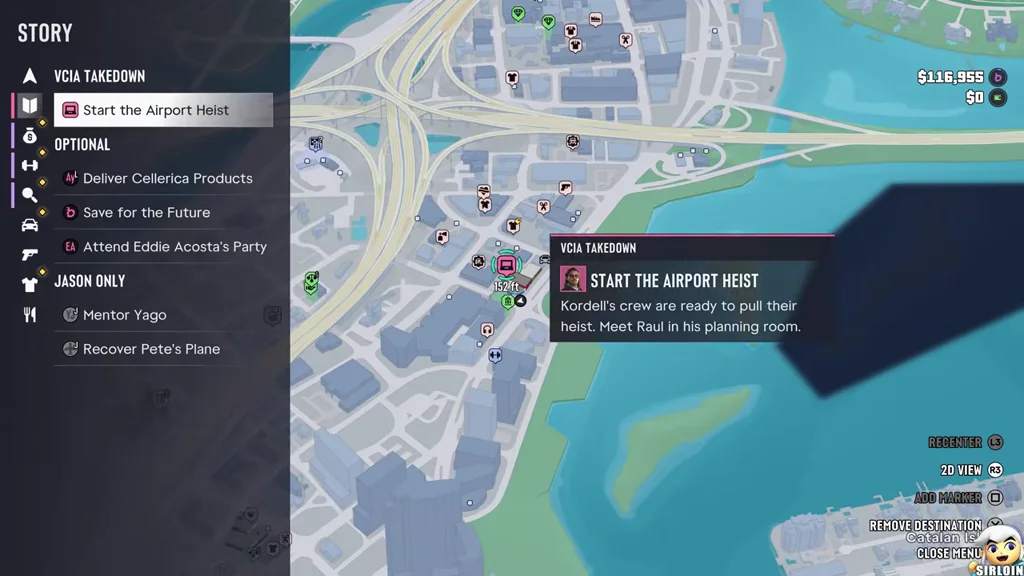
The story map displays the starting marker for the airport heist. Sirloin · -
Finish the terminal and vault prompts
Track the character switches. Use the network-terminal task and the gate controls before returning to the vault.
-
Bring the bags to the loader
Follow the marked handling sequence through the cargo and aircraft area.
-
Stay with the moving escape targets
Follow the aircraft and then the truck when the HUD swaps objectives. Finish the regroup and van prompts.
Route details
Check the crew setups before heading in
The marker depends on Headliners and the airport prep chain. Check both character views for Making Gainz, Too Much Baggage, Close Surveillance, Delivery Method and the other setup jobs. Inside the airport, follow Nate through the terminal and watch for the bathroom prompt with Janice. After the disguise handoff, stay with the crate into the vault route.
Use the rooftop clock and check for the LMG
Jason’s rooftop segment uses a five-minute timer. Keep heading toward the central marker as the objective changes. During the later loading sequence, search for Francisco’s LMG-6 on the ground if you want the variant. The mission still has a final switch back to Lucia in the plane. Follow the control prompts to keep it level until the landing scene triggers.